> For the complete documentation index, see [llms.txt](https://docs.hyperswitch.io/llms.txt). Markdown versions of documentation pages are available by appending `.md` to page URLs; this page is available as [Markdown](https://docs.hyperswitch.io/~/revisions/iPtyU5MKxmgIsGywgRhI/explore-hyperswitch/workflows/intelligent-routing/least-cost-routing.md). Agents can also search and read this documentation through its [MCP server](https://docs.hyperswitch.io/~gitbook/mcp).
# Least Cost Routing
Optimize processing fees on debit payments by routing traffic to the cheapest available debit network
## Get started with Least Cost Routing
Least Cost Routing (LCR) enables merchants to minimize transaction costs by dynamically selecting the most cost-efficient debit network for each transaction. The Hyperswitch routing engine evaluates parameters like network fees, interchange rates, ticket size, issuer type, and more to automatically route transactions through the cheapest network in real time.
## Pre-requisites for enabling Least Cost Routing
To get started with LCR in Hyperswitch, ensure the following setup is complete:
***Step 1:*** Configure connectors supporting transactions through local networks
***Step 2:*** Enable Debit Card Support
***Step 3:*** Enable one or more local debit networks in both connector and Hyperswitch dashboards\\
## Steps to configure Least Cost Routing in Smart Router:
***Step 1:*** Configure Prerequisites\
Ensure that connectors supporting transactions through local networks are set up with local networks enabled
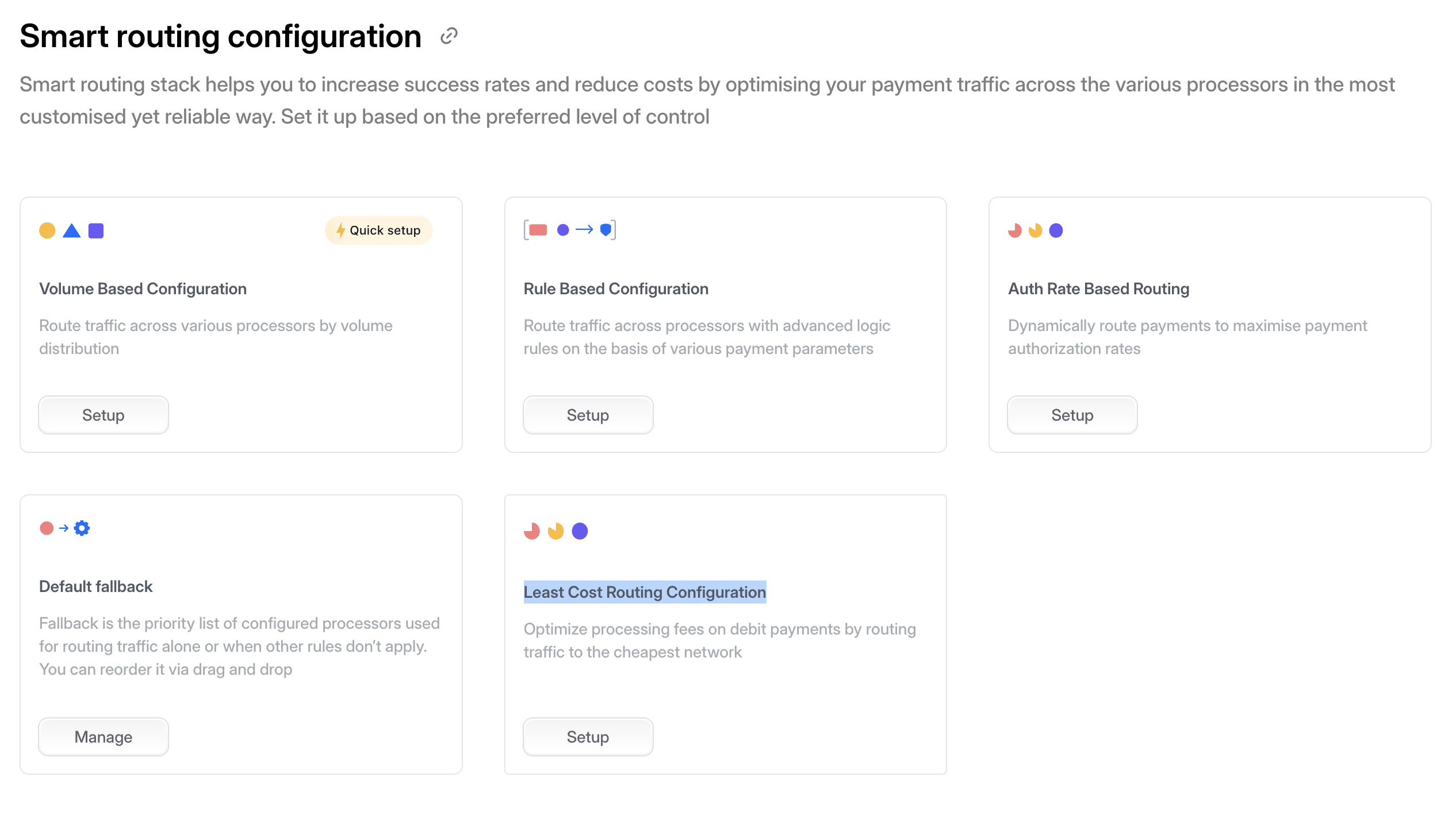
***Step 2:*** Navigate to `Workflow` ->`Routing` -> `Least Cost Routing`
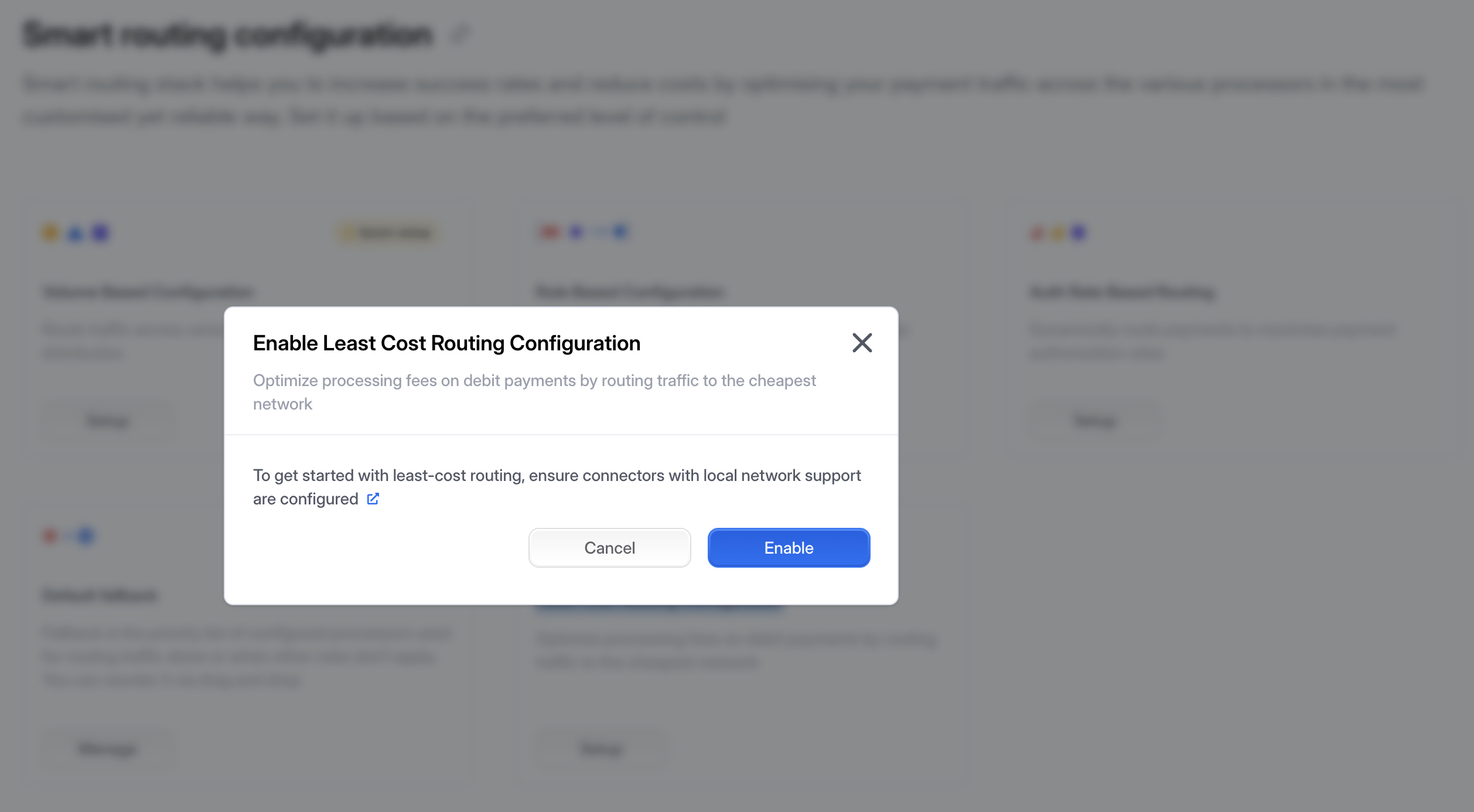
***Step 3:*** A popup will guide you to confirm the three prerequisites - 1.) Connector setup, 2.) Debit card enablement, and 3.) Local networks configuration. Click on `Enable` to activate LCR
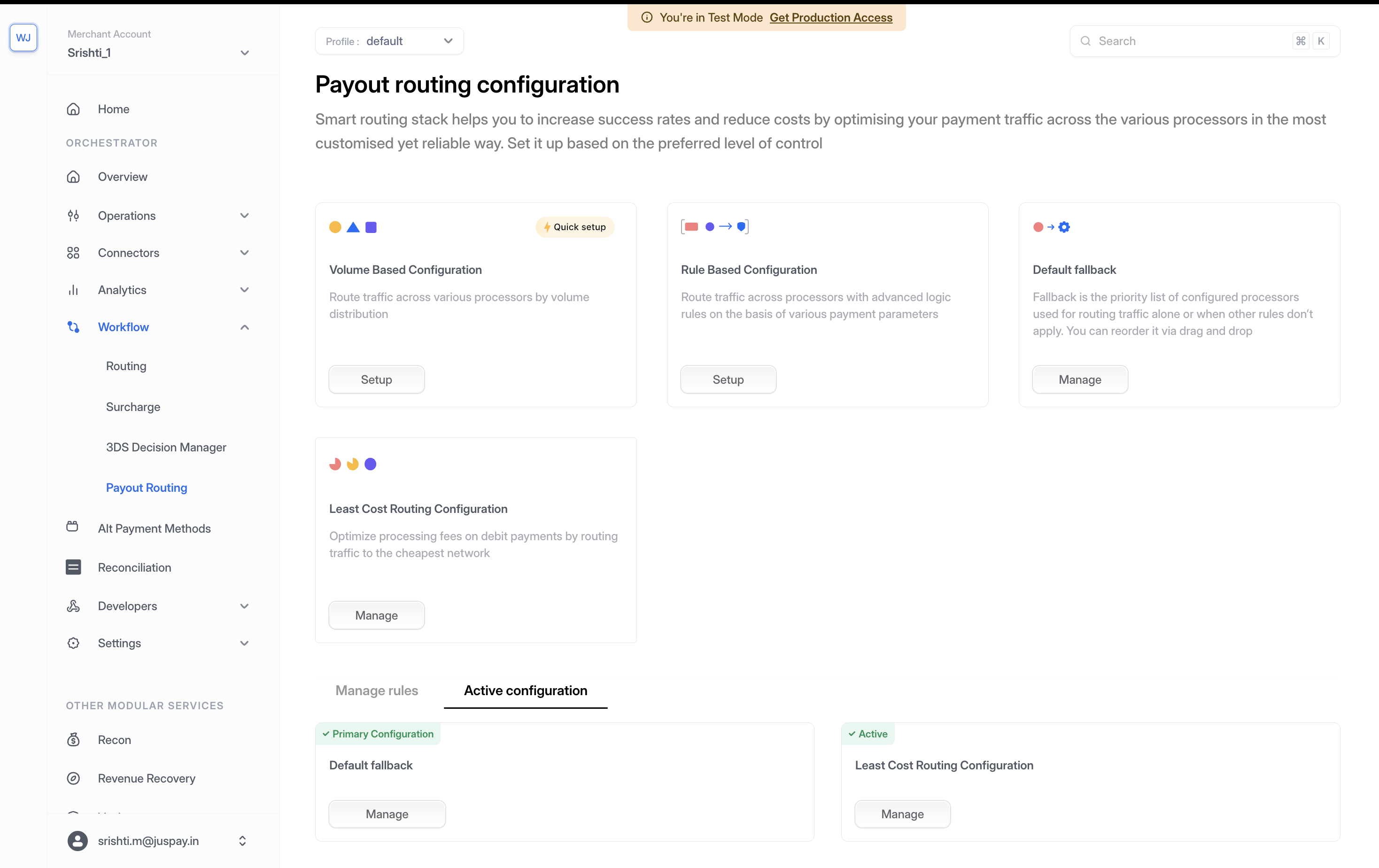
***Step 4:*** Once enabled, you can view Least Cost Routing as your active routing algorithm along with all previously configured algorithms on the [Hyperswitch Dashboard](https://app.hyperswitch.io/routing)
## Supported Configuration for Least Cost Routing
**Geographies**: US
**Networks**
* Star
* Pulse
* NYCE
* Accel
**Payment Methods**: Cards
## Real-time cost computaion
We perform real-time computation to see if a Global network (Visa/ Mastercard) vs Local network is preferable or which local network to choose
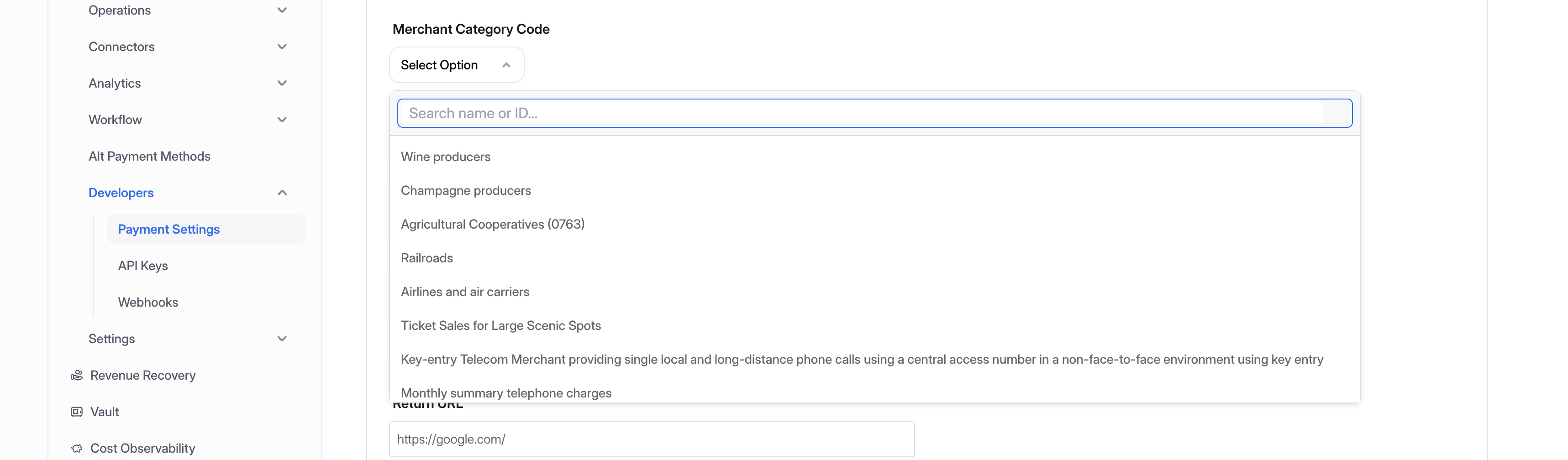
* We calculate transaction cost estimate using the MCC code supplied by merchant
* We look into amount (value) of transaction and Card Issuer bank to compute a cost of transction and determine the right network to process.
* The system has default values baked-in to compute cost of transaction and make decisions. The LCR system is being designed to accept cost inputs from merchants. Specifically, if they have any PSP–Network level contracts that should be considered during network selection.
* We perform debit routing by specifying the network to be used in the API request to the PSP.
---
# Agent Instructions
This documentation is published with GitBook. GitBook is the documentation platform designed so that both humans and AI agents can read, navigate, and reason over technical content effectively. Learn more at gitbook.com.
## Querying This Documentation
If you need additional information that is not directly available in this page, you can query the documentation by asking a question.
Perform an HTTP GET request on the following URL with the `ask` and `goal` query parameters:
```
GET https://docs.hyperswitch.io/~/revisions/iPtyU5MKxmgIsGywgRhI/explore-hyperswitch/workflows/intelligent-routing/least-cost-routing.md?ask=&goal=
```
`ask` is the immediate question: it should be specific, self-contained, and written in natural language.
`goal` is what the user is ultimately trying to achieve, the reason they need the answer. Sharing it helps GitBook give you a better, more relevant answer. A goal is most helpful when it describes the outcome the user wants rather than restating the question. For example, with `ask=how do I create an API token`, a goal like `automate deployments from our CI pipeline` lets GitBook tailor the answer to that use case.
The response will contain a direct answer to the question and relevant excerpts and sources from the documentation.
Use this mechanism when the answer is not explicitly present in the current page, you need clarification or additional context, or you want to retrieve related documentation sections.