> For the complete documentation index, see [llms.txt](https://docs.hyperswitch.io/llms.txt). Markdown versions of documentation pages are available by appending `.md` to page URLs; this page is available as [Markdown](https://docs.hyperswitch.io/other-features/connectors/payouts/route-your-payout-transactions-using-smart-router.md).
# Smart Router for Payouts
Configure volume-based, rule-based, or fallback routing strategies to distribute payout traffic across multiple processors using the Hyperswitch Smart Router.
The Juspay Hyperswitch Smart Router allows you to define logic for distributing payout traffic across multiple processors. This ensures redundancy, optimizes for cost, and manages transaction volumes programmatically.
> **Note:** Routing configurations for payout operations are isolated from payment operations. Modifying payout routing rules will not impact your payment routing logic and vice-versa.
For a conceptual deep dive into the routing engine, refer to the [Smart Router Overview](https://docs.hyperswitch.io/explore-hyperswitch/connectors/payouts/route-your-payout-transactions-using-smart-router).
### Configuration Options
You can manage your routing logic via the [Hyperswitch Dashboard](https://app.hyperswitch.io) or the [Routing APIs](https://api-reference.hyperswitch.io/v1/routing/routing--list). The dashboard provides a visual interface for constructing and activating these rules.
### Prerequisites
To utilize Smart Routing, you must have at least two payout processors integrated and active on your account. Follow the [Getting Started with Payouts](https://docs.hyperswitch.io/explore-hyperswitch/connectors/payouts/get-started-with-payouts) guide to add connectors.
### Setting Up Payout Routing
#### Access Routing Settings
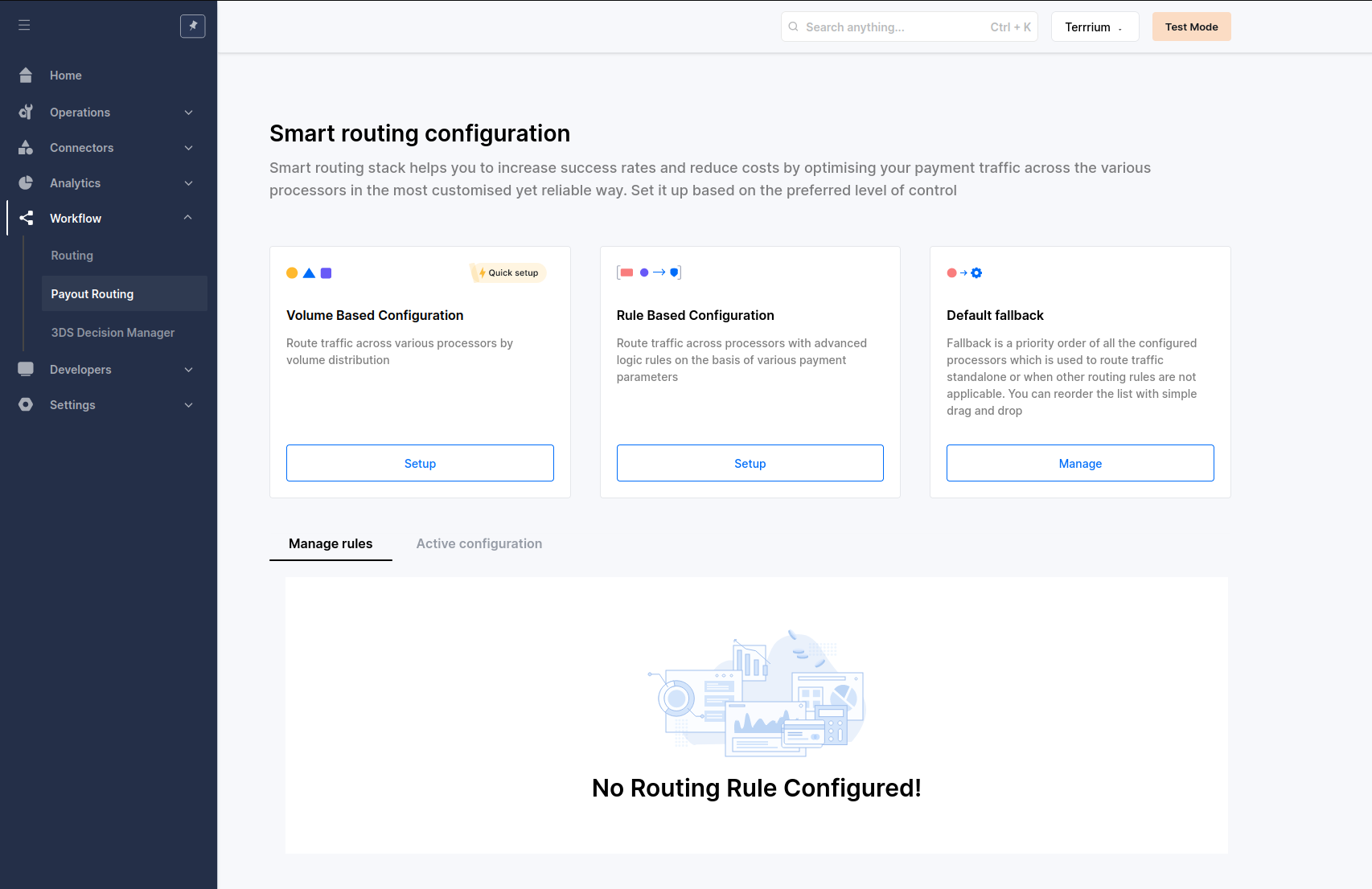
Navigate to Workflow -> Payout Routing in your [Dashboard](https://app.hyperswitch.io).
Head to Payout Routing
#### Select a Routing Strategy
Hyperswitch supports three distinct formats for payout orchestration:
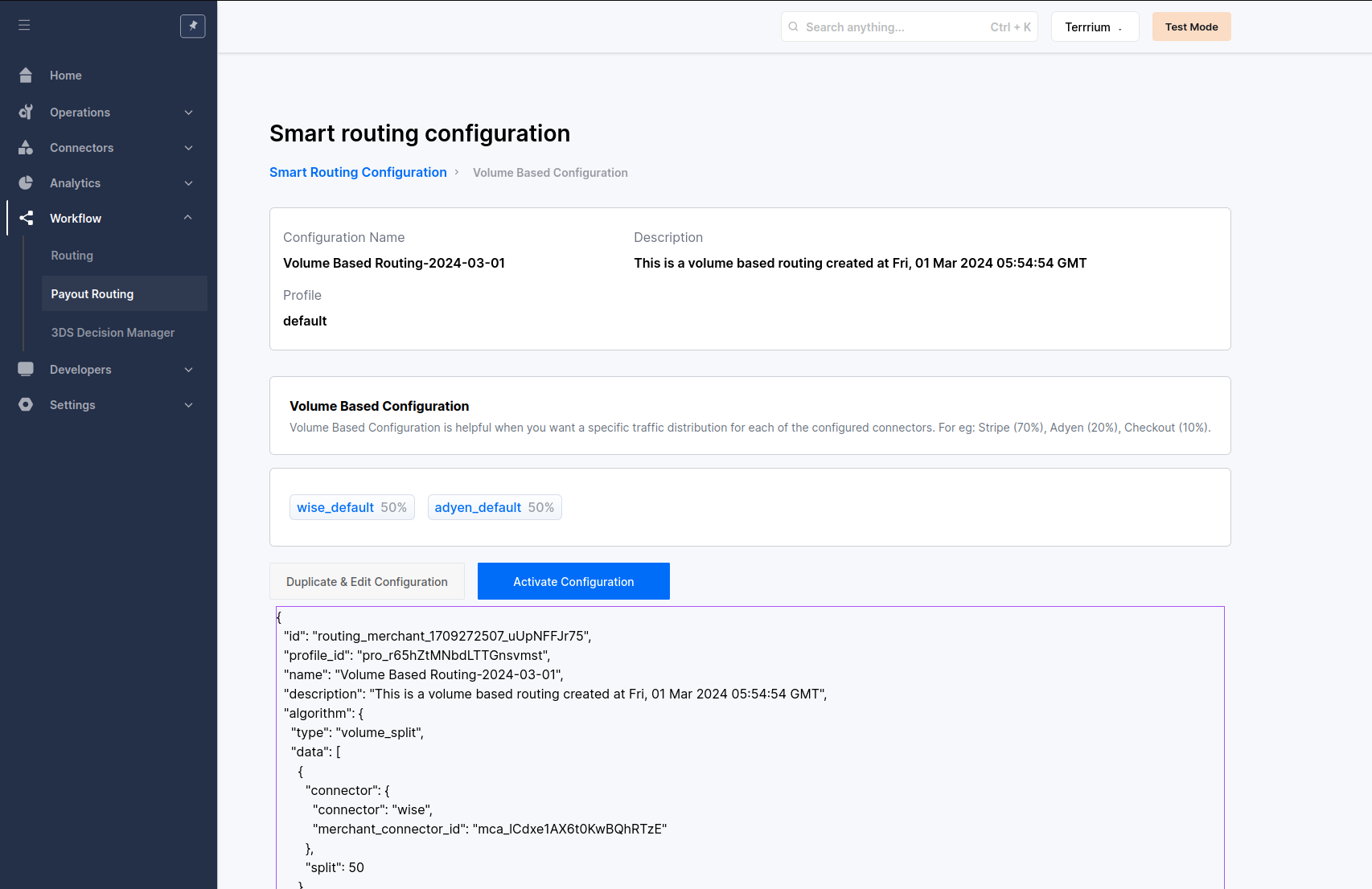
* [Volume-Based Routing](https://docs.hyperswitch.io/explore-hyperswitch/workflows/intelligent-routing/volume-based-routing): Distribute a percentage of total payout traffic across multiple connectors.
* [Rule-Based Routing](https://docs.hyperswitch.io/explore-hyperswitch/workflows/intelligent-routing/rule-based-routing): Create conditional logic (if/then) to route payouts based on specific attributes like currency, region, or method.
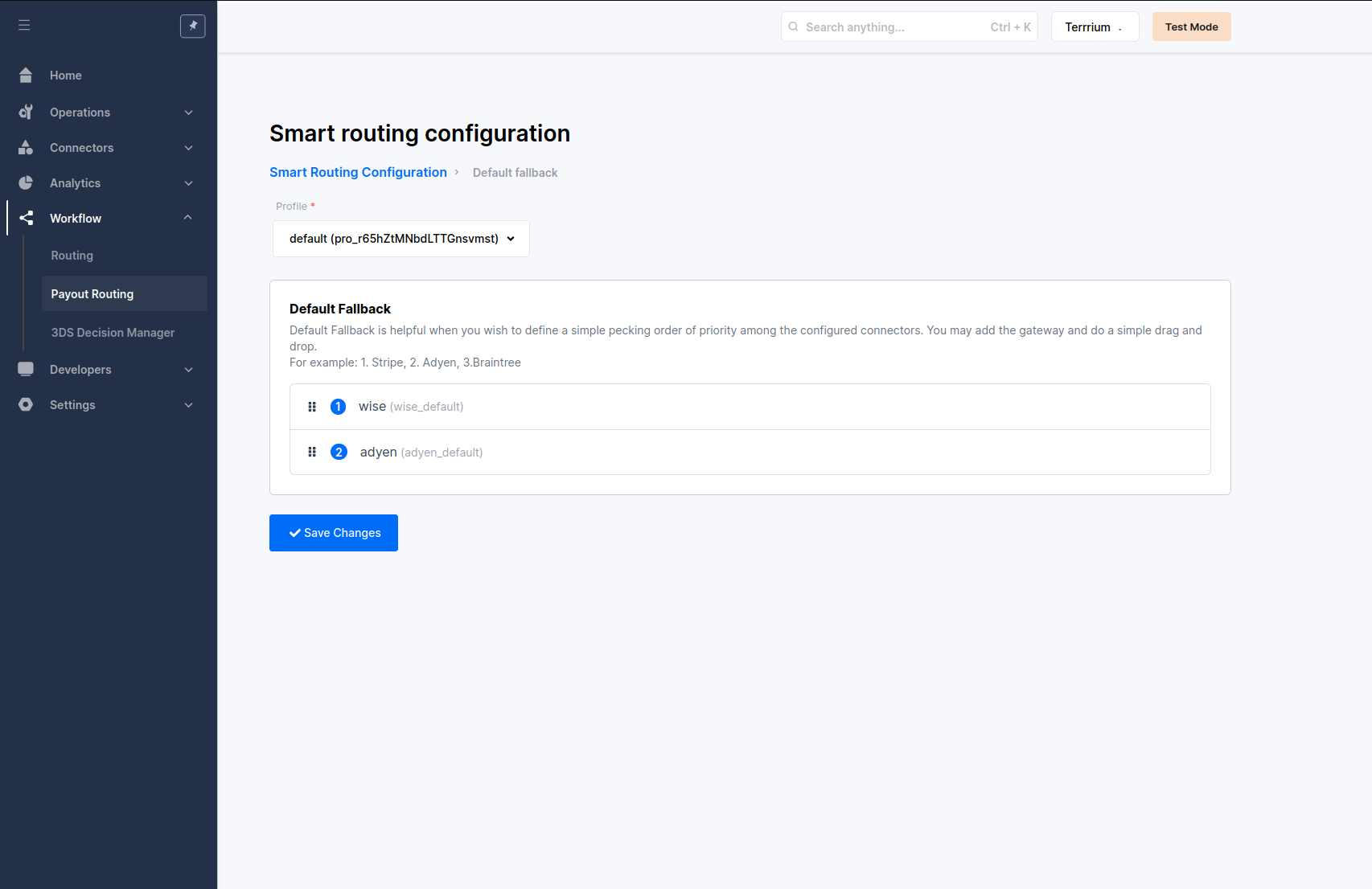
* [Default Fallback Routing](https://docs.hyperswitch.io/explore-hyperswitch/workflows/intelligent-routing/default-fallback-routing): Establish a static priority list. If a primary processor is unavailable, the system attempts the payout with the next processor in the sequence.
#### Manage and Activate Configurations
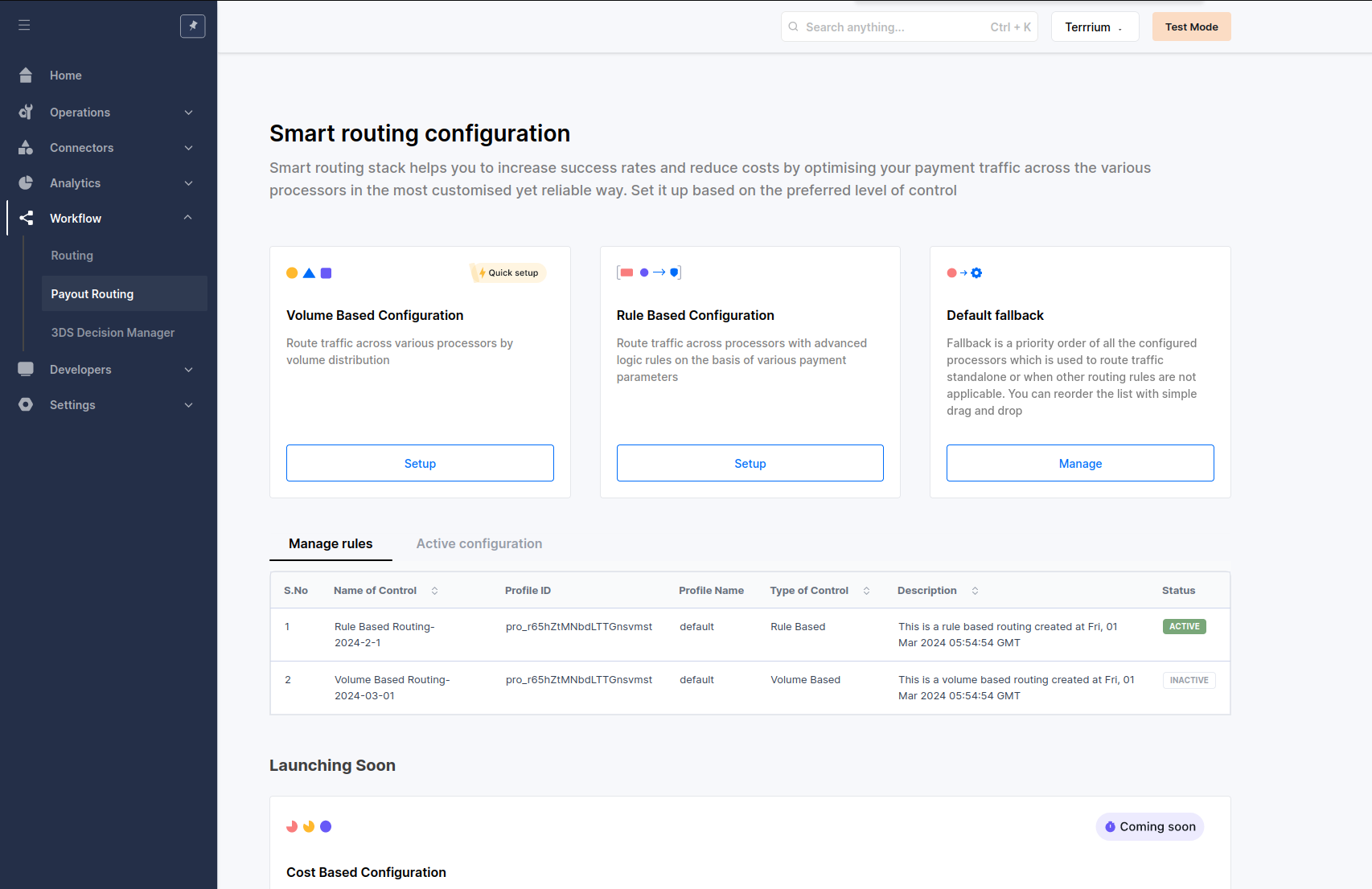
Once your rules are defined, you can manage them from the Payout Routing summary page.
* Activation: Only one routing configuration (Volume, Rule, or Fallback) can be active at any given time.
* Switching Rules: To change the active logic, select a saved configuration and click `Activate Configuration`.
Activate routing rule
Fallback Behavior: If no custom routing rule is activated, Hyperswitch will automatically process transactions based on the order defined in your Default Fallback Priority list.
---
# Agent Instructions
This documentation is published with GitBook. GitBook is the documentation platform designed so that both humans and AI agents can read, navigate, and reason over technical content effectively. Learn more at gitbook.com.
## Querying This Documentation
If you need additional information that is not directly available in this page, you can query the documentation dynamically by asking a question.
Perform an HTTP GET request on the current page URL with the `ask` query parameter, and the optional `goal` query parameter:
```
GET https://docs.hyperswitch.io/other-features/connectors/payouts/route-your-payout-transactions-using-smart-router.md?ask=&goal=
```
`ask` is the immediate question: it should be specific, self-contained, and written in natural language.
`goal` is optional and describes the broader end goal you are ultimately trying to accomplish on behalf of the user. GitBook uses it to tailor the answer towards what is most useful for that goal.
The response will contain a direct answer to the question and relevant excerpts and sources from the documentation.
Use this mechanism when the answer is not explicitly present in the current page, you need clarification or additional context, or you want to retrieve related documentation sections.